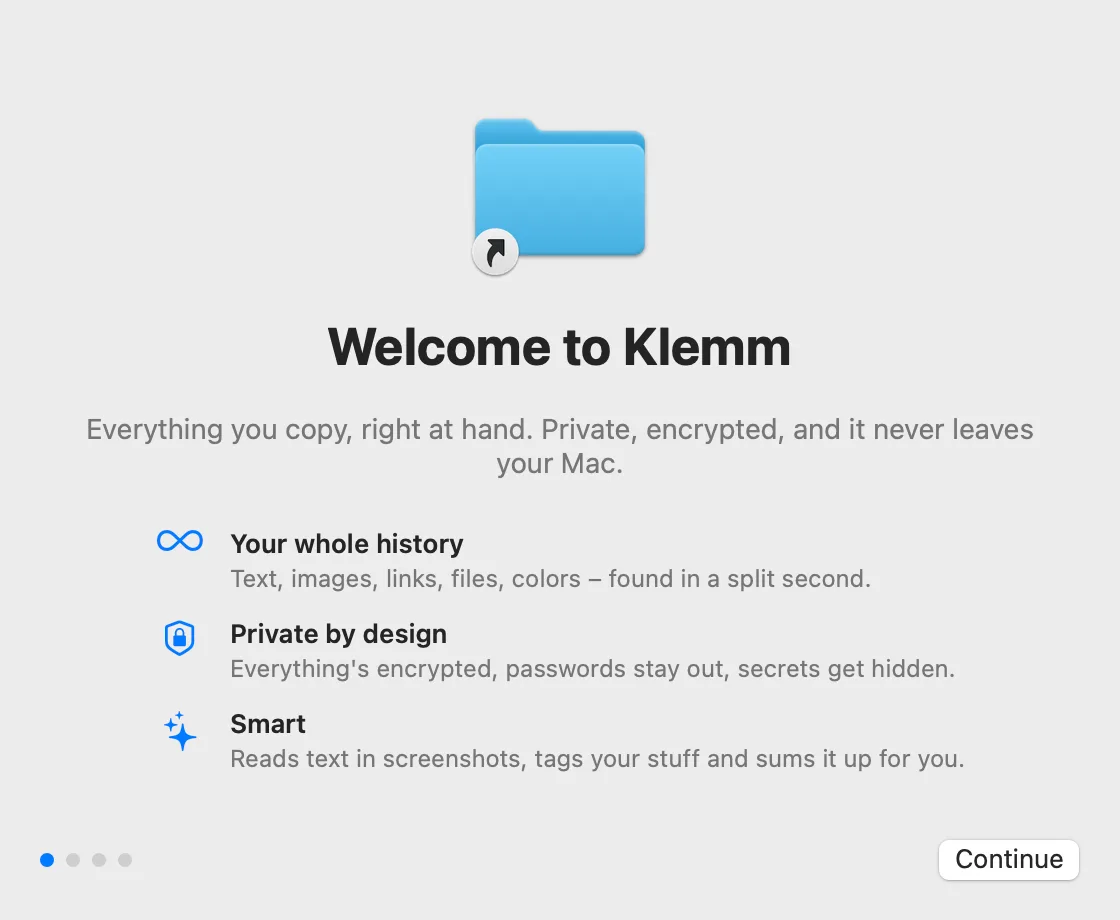
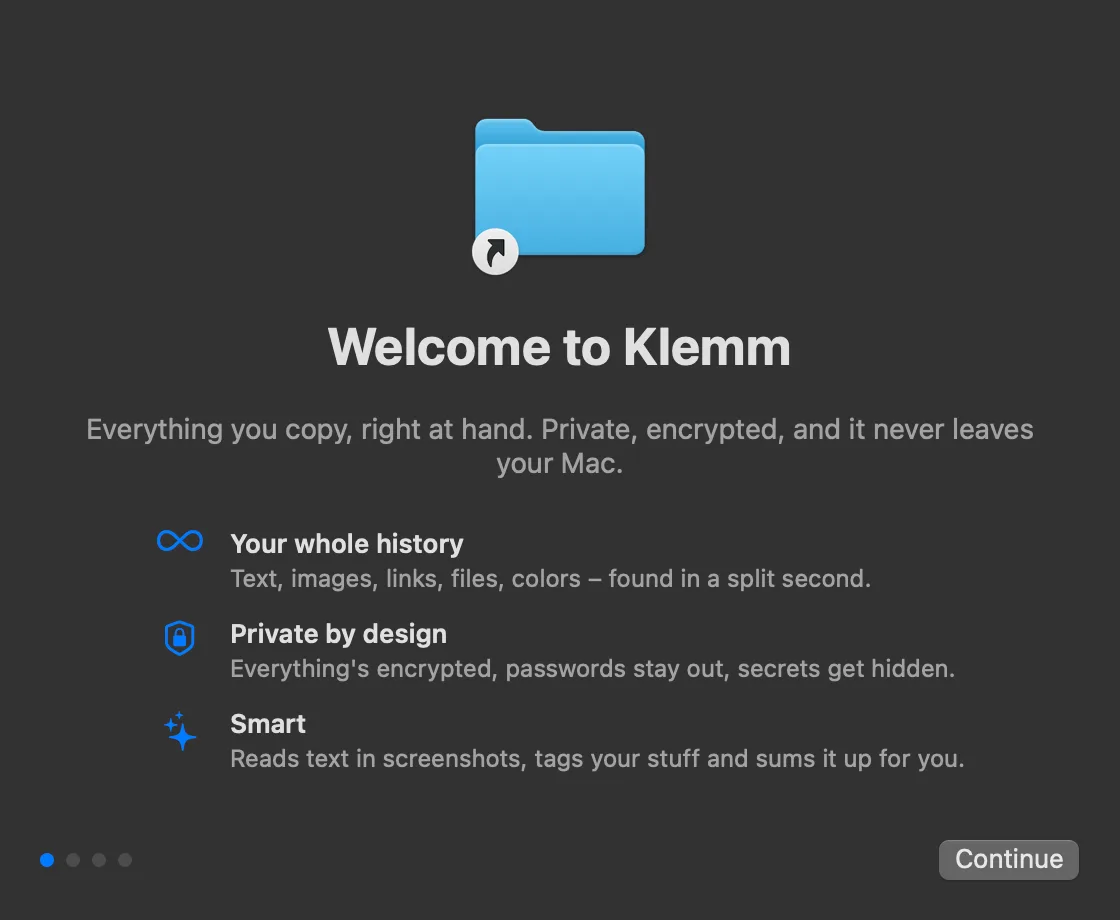
Klemm is coming soon.
The first version is almost ready. Email support@getklemm.com if you’d like to hear when it’s out.
macOS 14 or later. Apple silicon and Intel.
How to install Klemm
-
Open
Open “Klemm.dmg” from your Downloads folder.
-
Drag to Applications
Drag Klemm into your Applications folder and open it from there.
-
Get going
Klemm walks you through a short setup. Then copy as usual and press ⌥V.
Your 14 days start the first time you open Klemm.
Every feature, no account, no credit card. Buy a license whenever you’re ready.
Buy a license